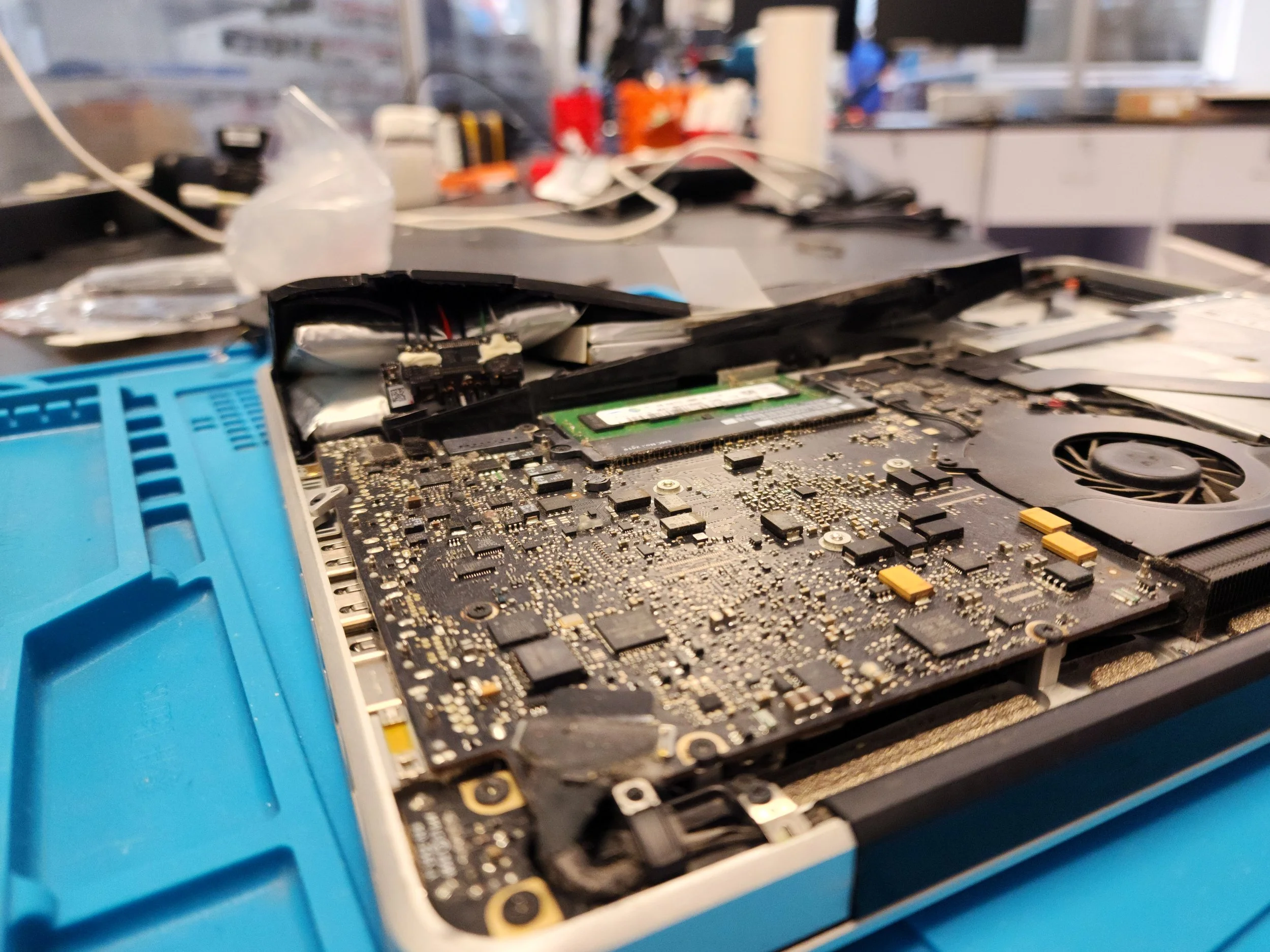
Here is a photo of a laptop battery I replaced very carefully, that had some alarming amounts of inflation.
Projects
Check out some of my awesome tech projects! Some are very recent, some are a couple years old; but they all taught me some unique problem-solving and technical skills.
Nintendo Switch Lite Mods
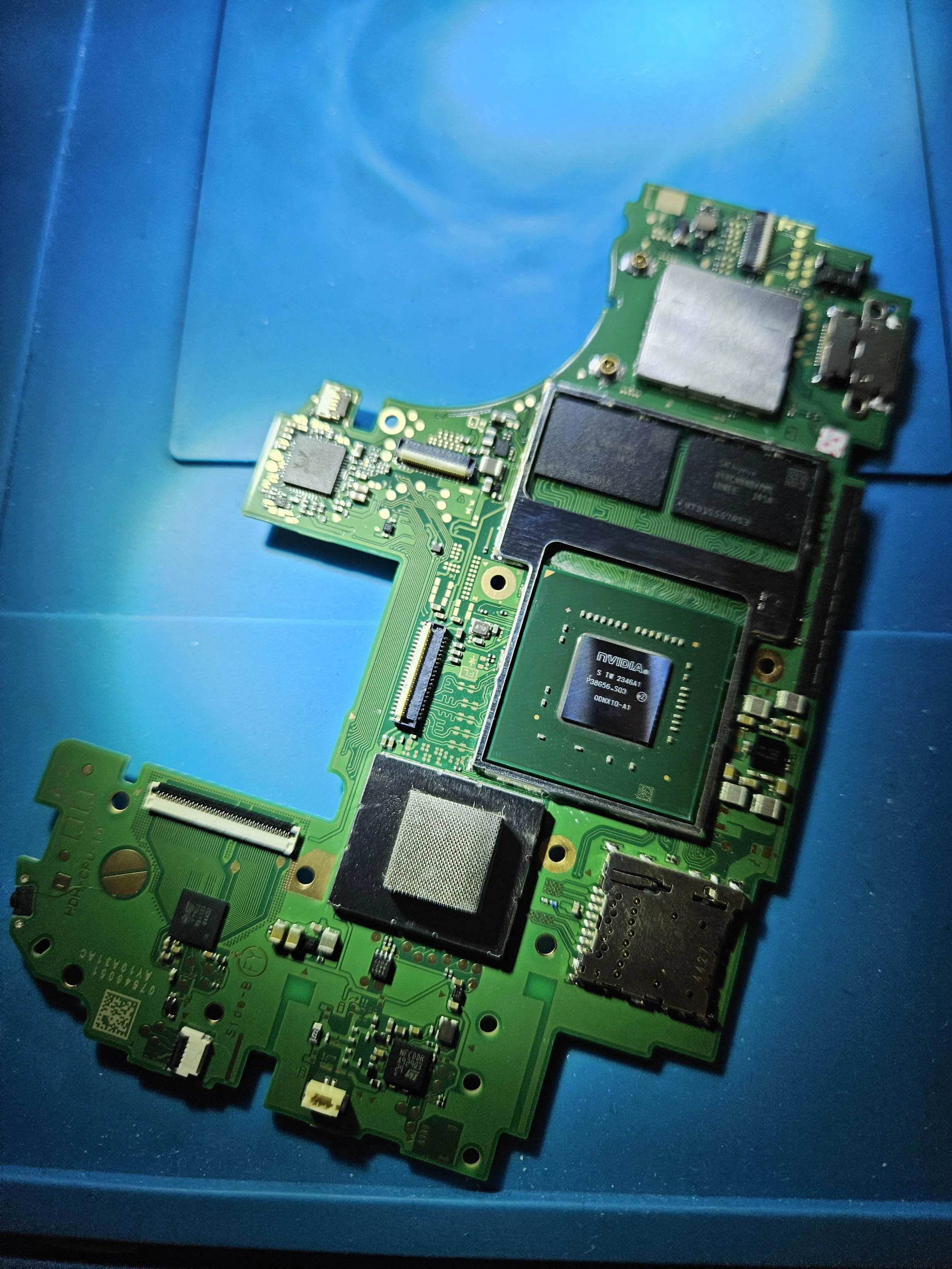
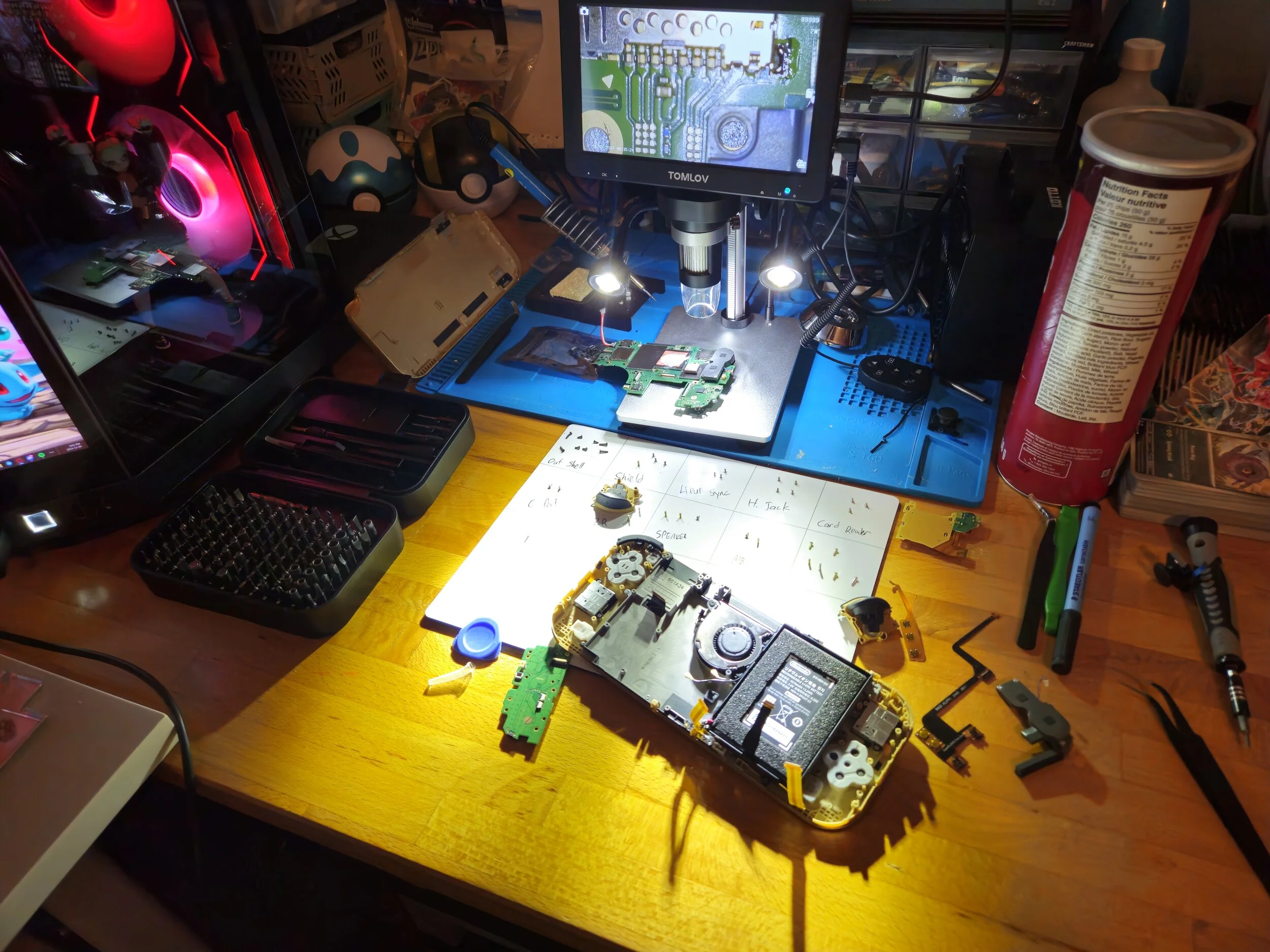
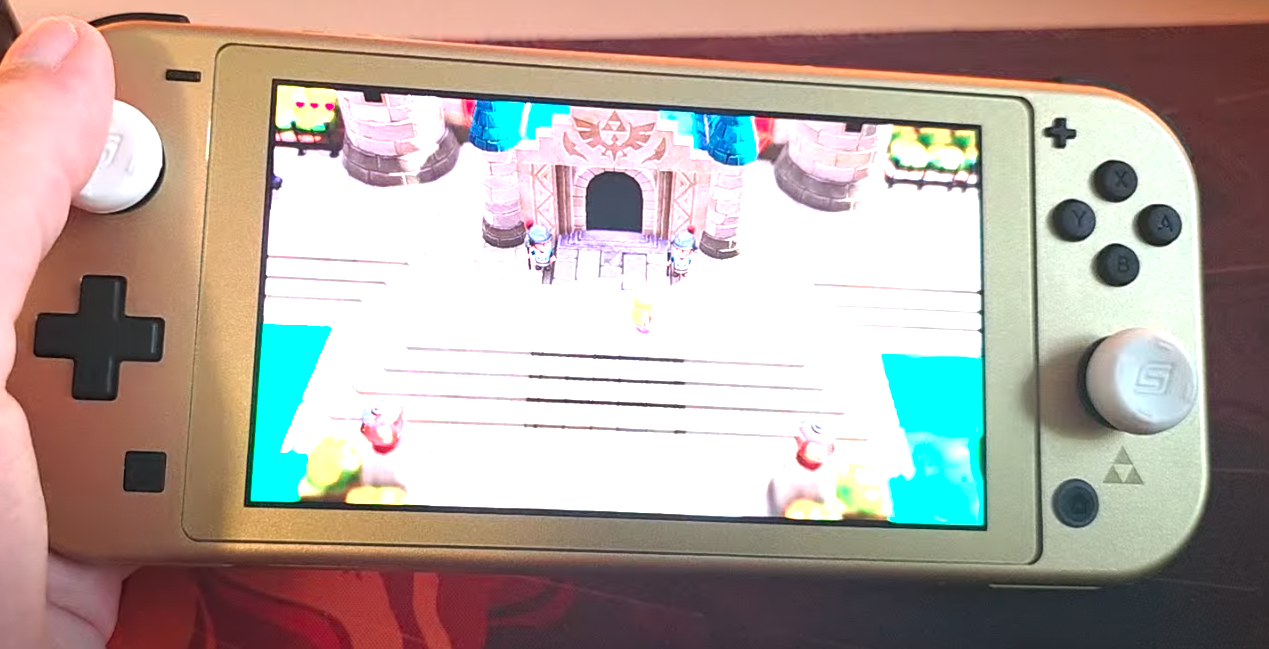
One of the more difficult projects I’ve done so far. I installed many mods onto the switch, such as hall-effect joysticks to eliminate the stick drift vulnerability and I installed an OLED display replacement that has better colour accuracy than the official Nintendo Switch OLED. By far the hardest part of the mod was installing a modchip onto the motherboard. This required micro-soldering using a microscope to be able to solder the chip to tiny resistors on the motherboard. The chip allows custom firmware to be run, enabling many more features than the stock Nintendo Switch Lite.
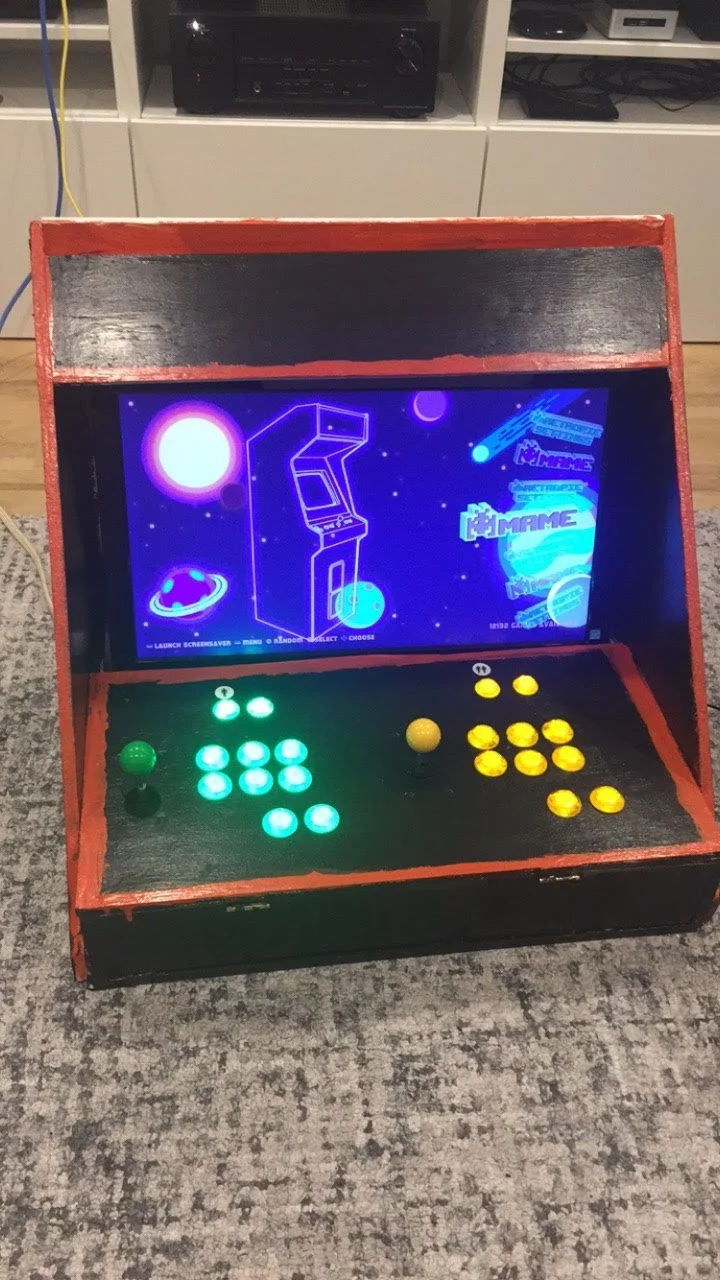
Custom Tabletop Arcade Machine
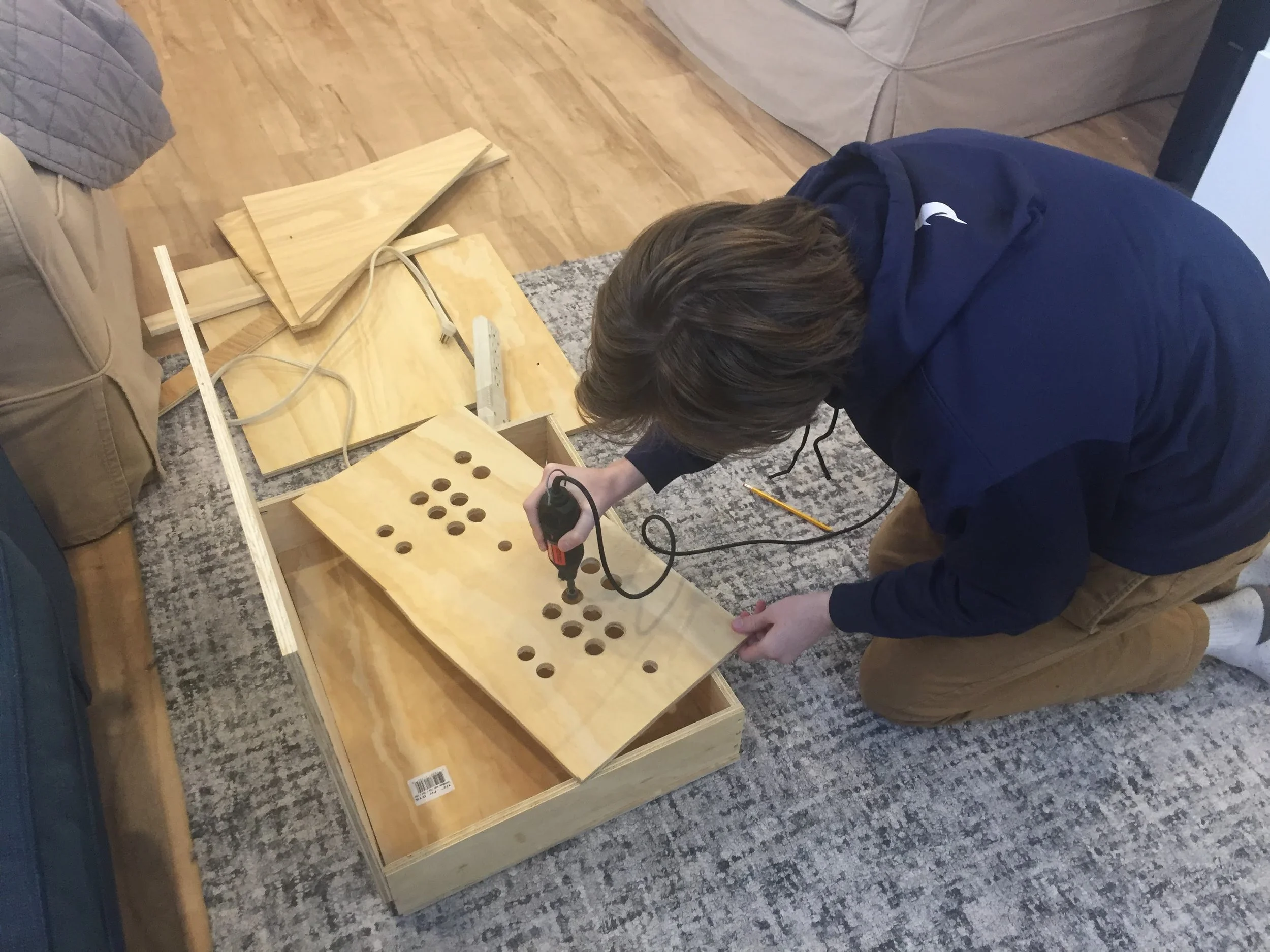
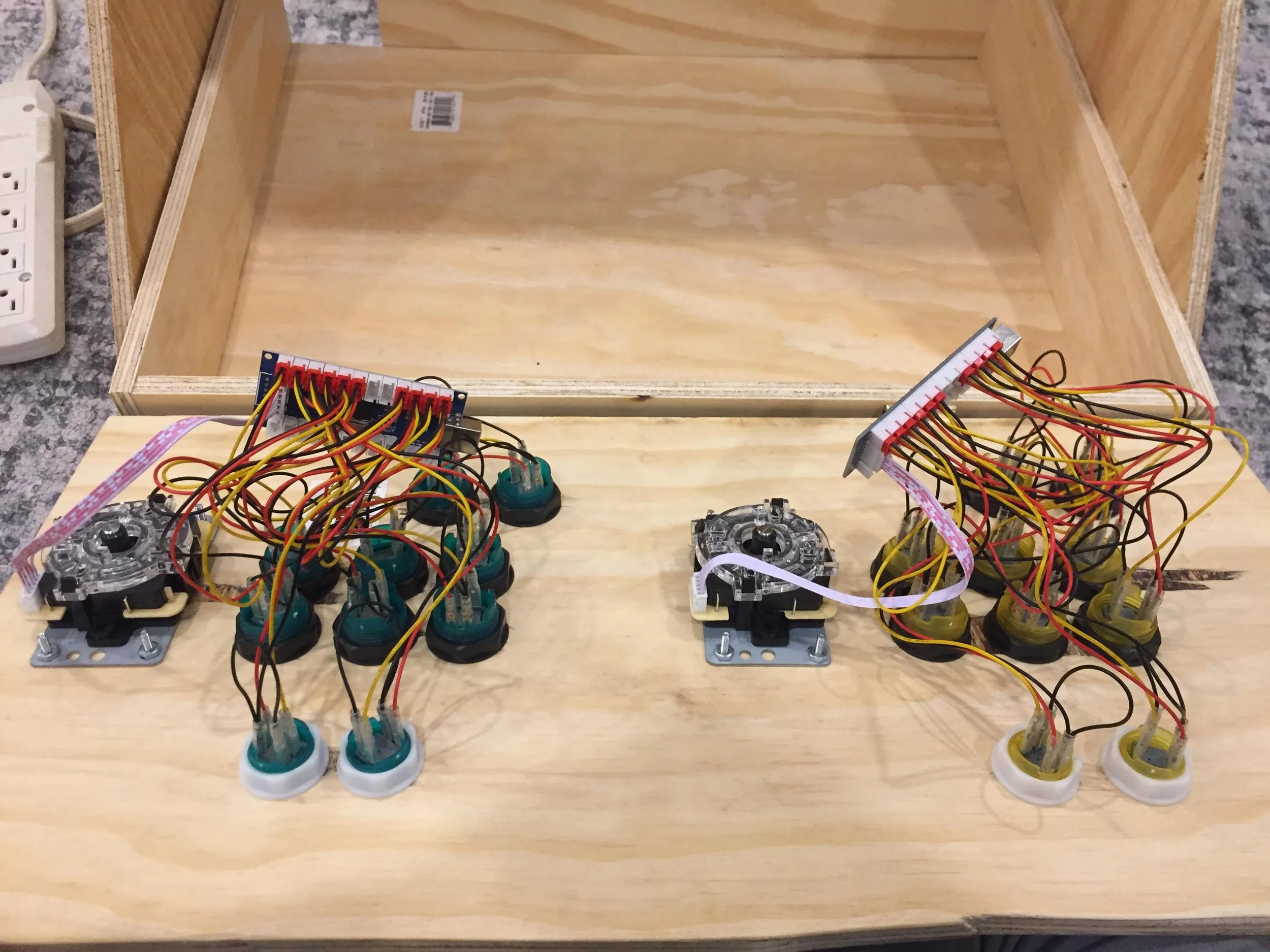
My first major tech project. Cut the wood with a table saw and a Dremel tool. The monitor was a cheap one I had laying around the house, and the controls were cheap from amazon. The entire system had a Raspberry Pi running an open-source operating system called RetroPie. Overall a great first project to dip my toes in the industry and I learned so much about running custom operating systems, as well as woodworking and electrical components.
Custom Controllers
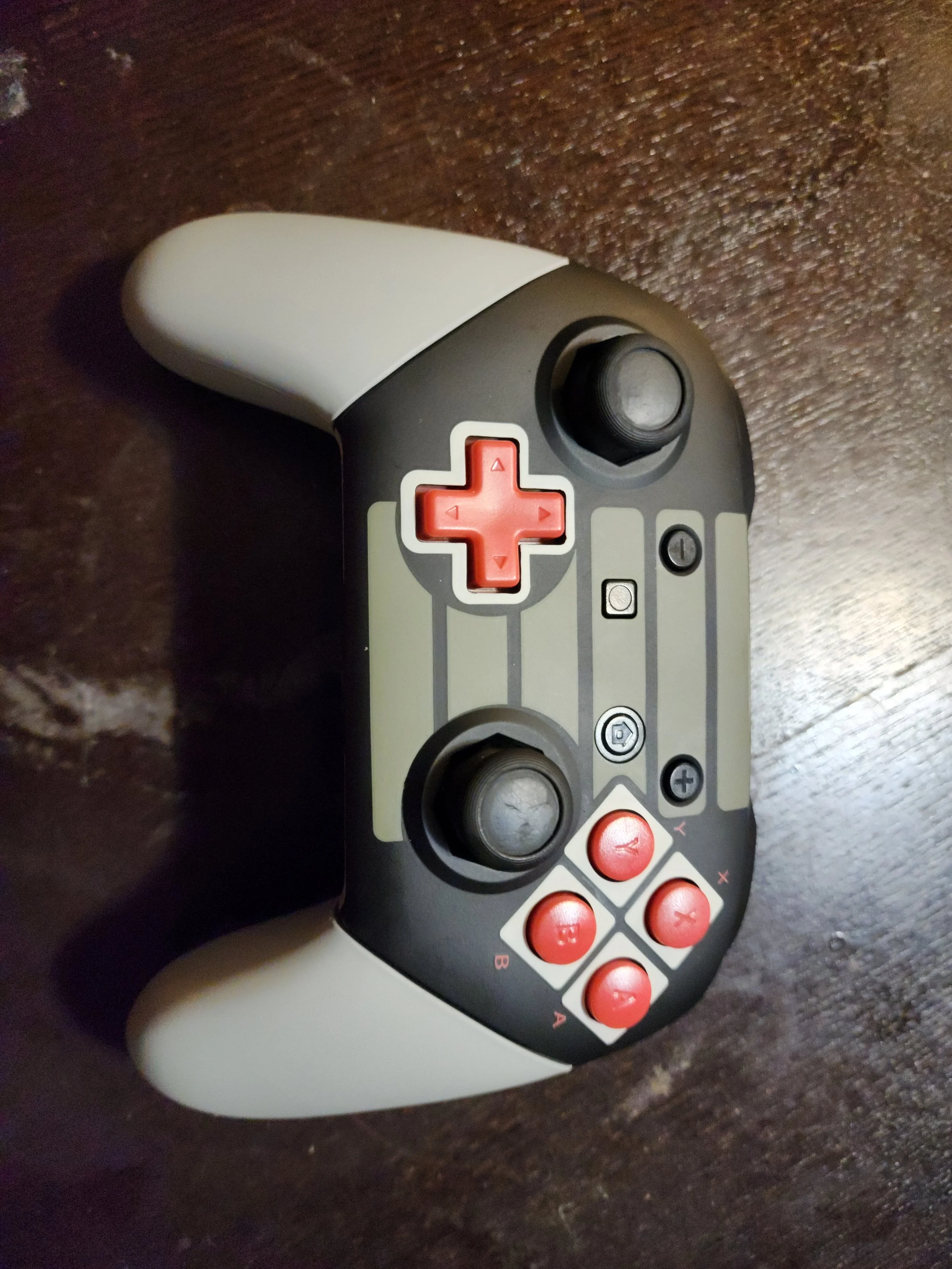
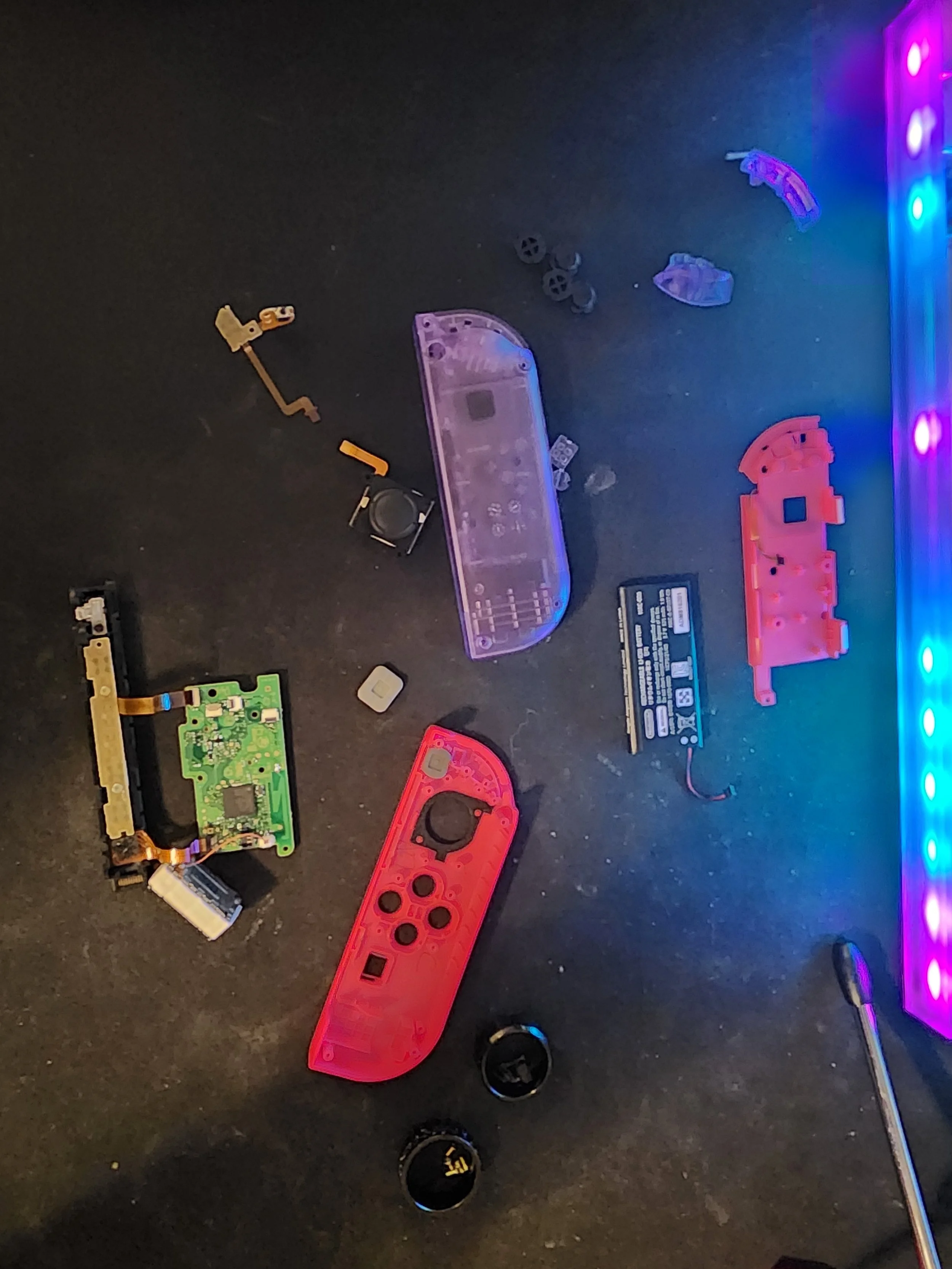
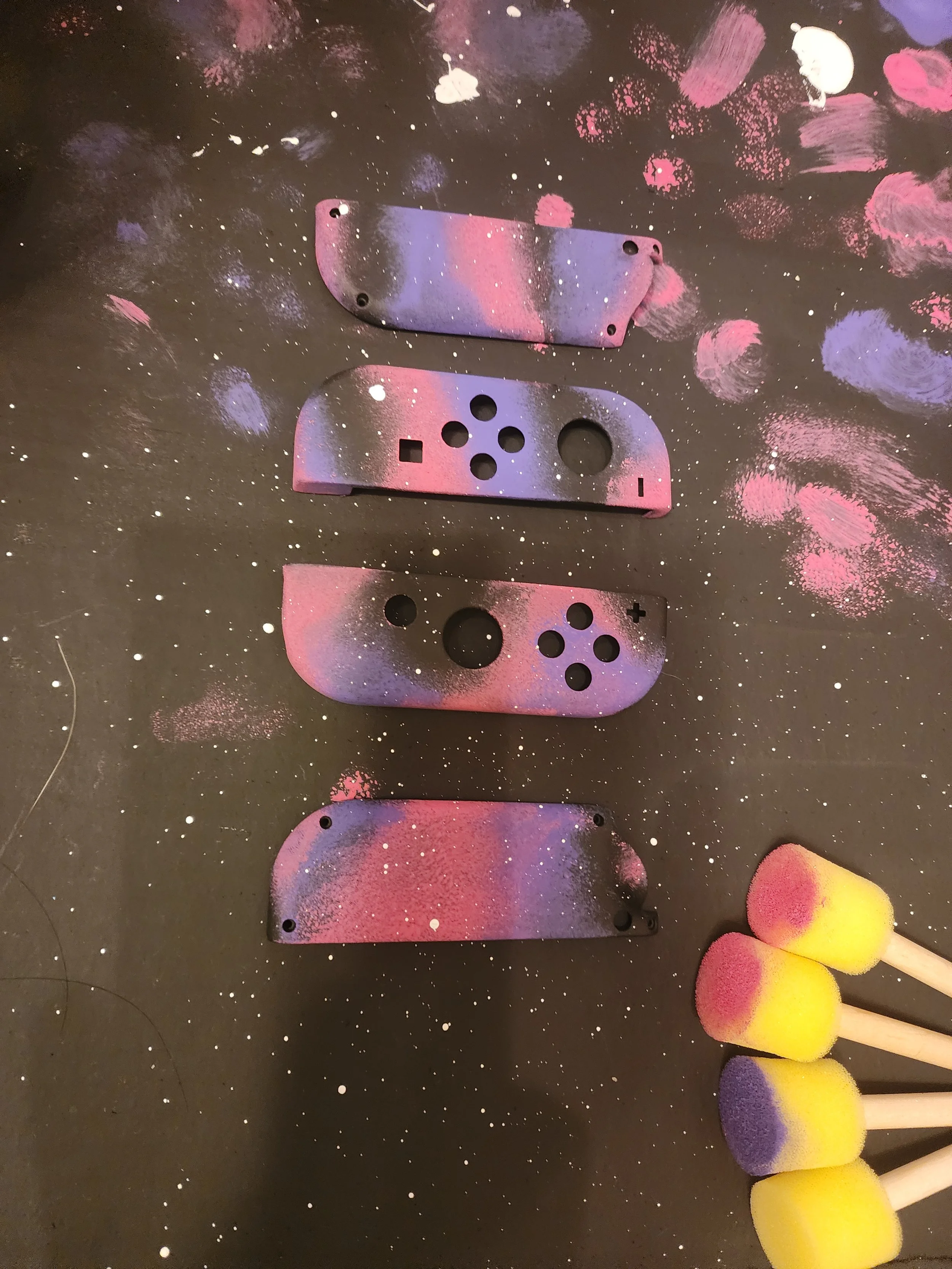
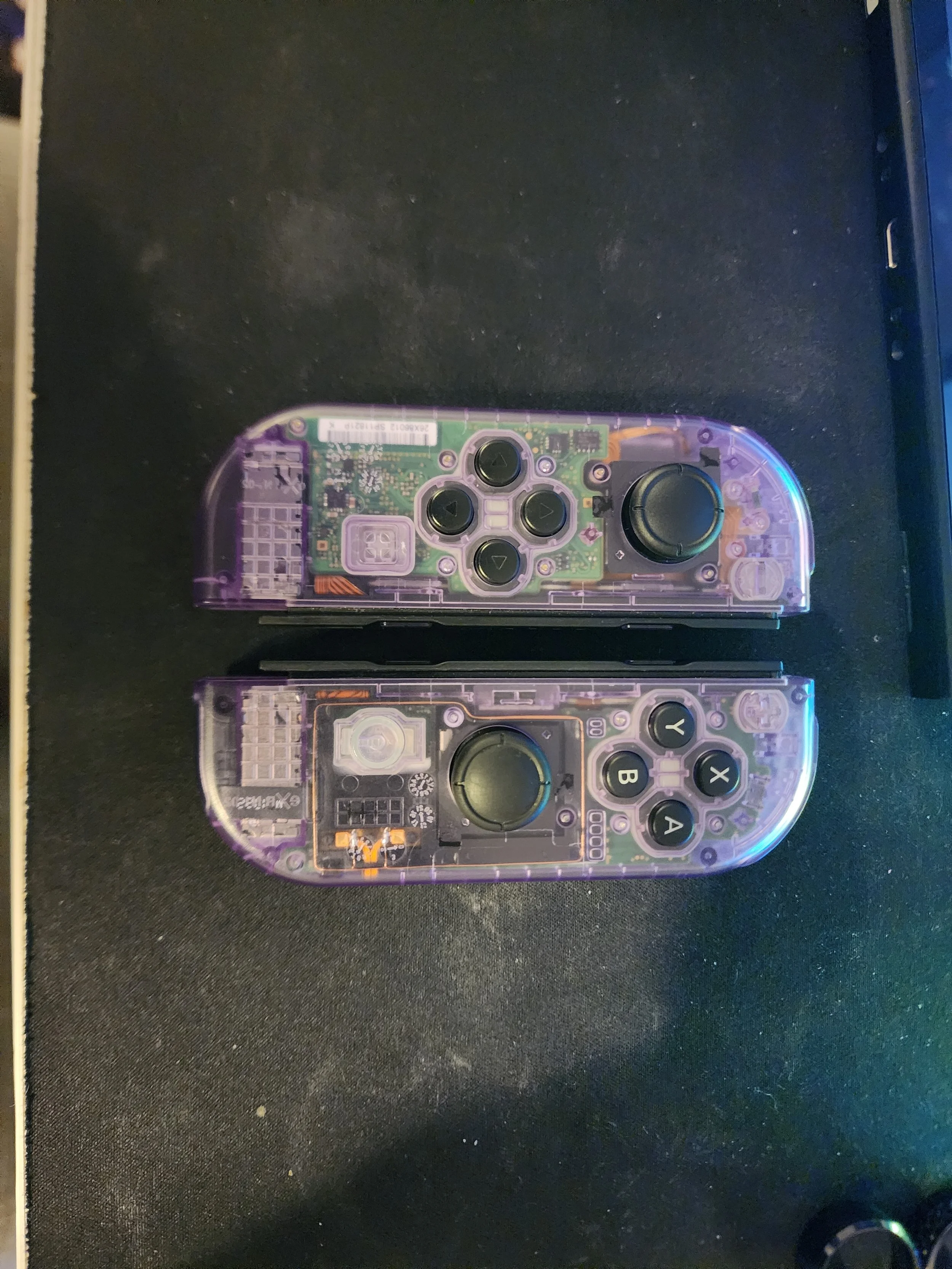
I modified countless controllers, mostly controllers for the Nintendo Switch. Some were hand-painted, others were off-the-shelf shell replacements. They all received hall-effect joystick upgrades, as well as latch replacements for the Joy-Cons (the default plastic ones would break all the time, so I replaced them with metal ones). The pro controllers received hair trigger mods (reducing button travel distance as well as giving them mechanical buttons instead of membrane ones) and I even soldered mechanical switches onto the face buttons to make them much clickier. These were lots of fun to do and I learned lots about tiny electronics and proper handling. I would say these were the catalyst for me to really start getting into hardware mods and upgrades to my technology all throughout the house.
Controllers modded:
Nintendo Switch Joy-Cons
Nintendo Switch Pro Controller
Nintendo Switch 2 Pro Controller
Xbox Controller
Switch Lite Controls
Steam Deck Controls
Lenovo Legion Go Controls
ROG Ally X Controls
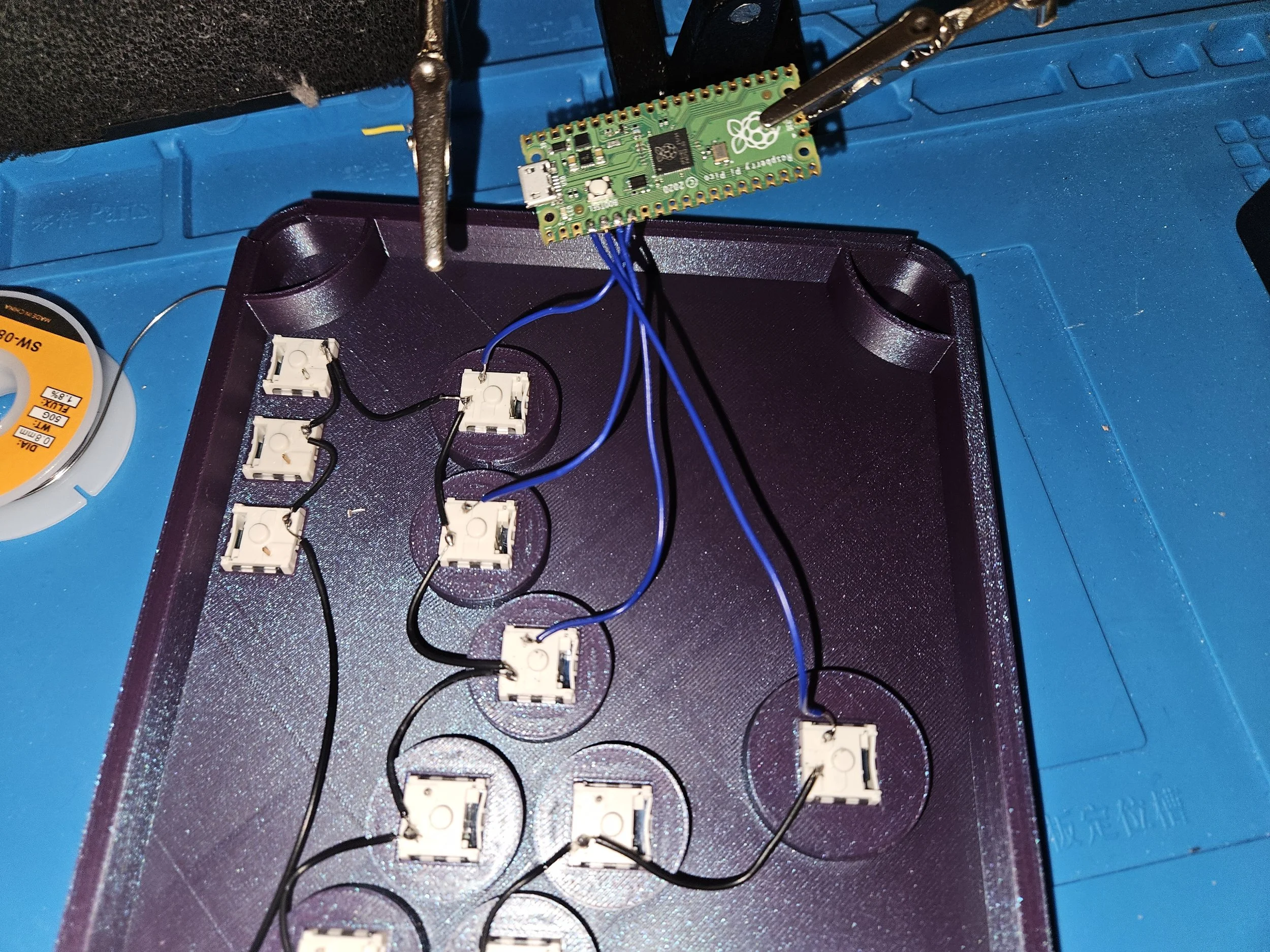
Custom All-Button Controller
These types of controllers offer a lot of advantages over a traditional gaming controller, specifically in 2D side-scrolling games, like the Mario games or Hollow Knight, just to name a few. The entire chassis and buttons caps are 3D-printed using PLA and ABS Filament. The brains of the controller is a Raspberry Pi Pico running open-source software to translate the button-presses into readable inputs by video games, such as A and B buttons. The buttons themselves are keyboard switches, soldered to the Raspberry Pi.
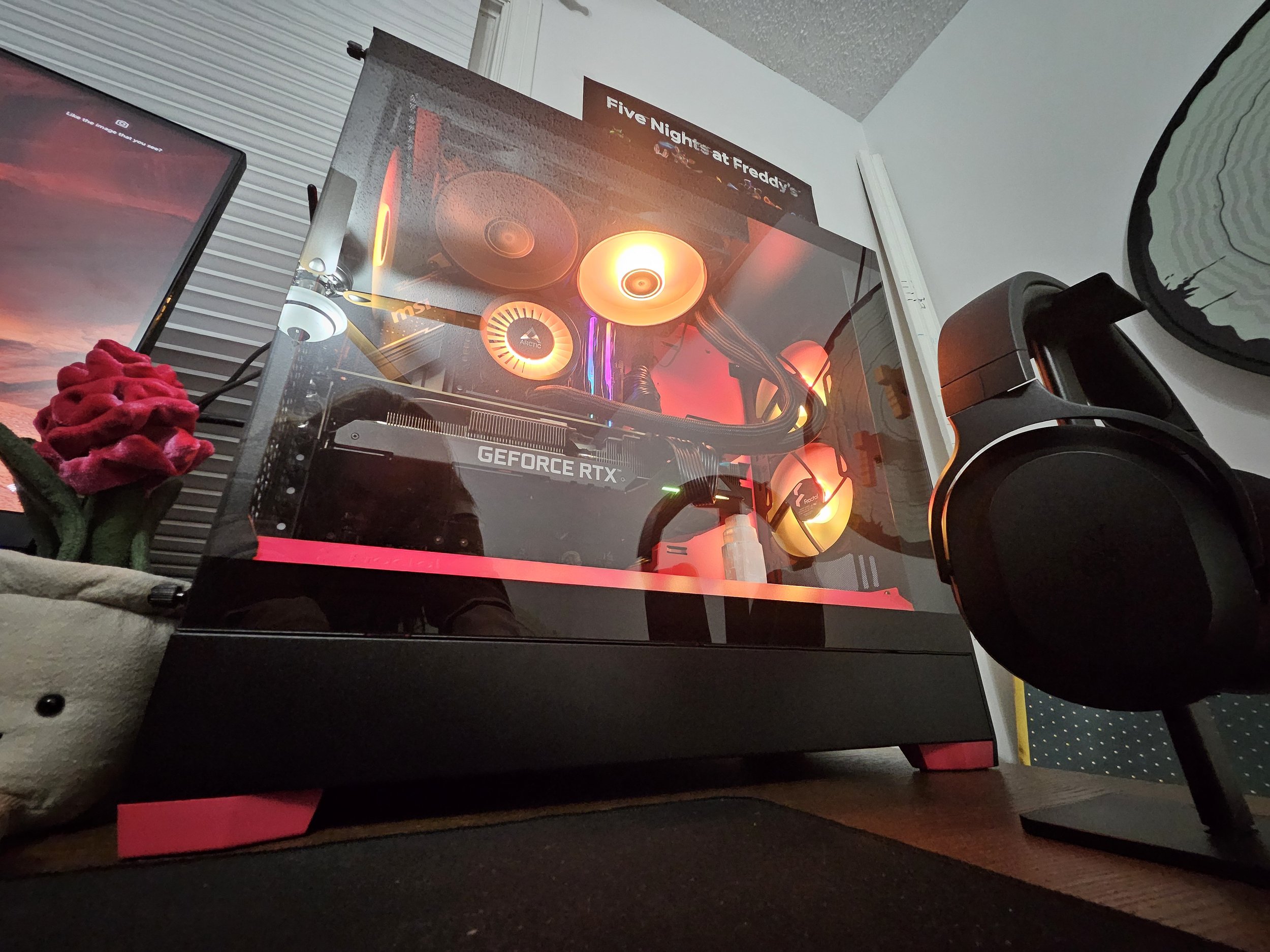
This is my Server PC running Linux Ubuntu Server Edition. Runs docker to do multiple tasks at once; it hosts two 4TB hard drives in a RAID configuration on the network, runs a Minecraft server, backs up all of my photos from my phone using Immich, and runs a Plex Server, among other things.
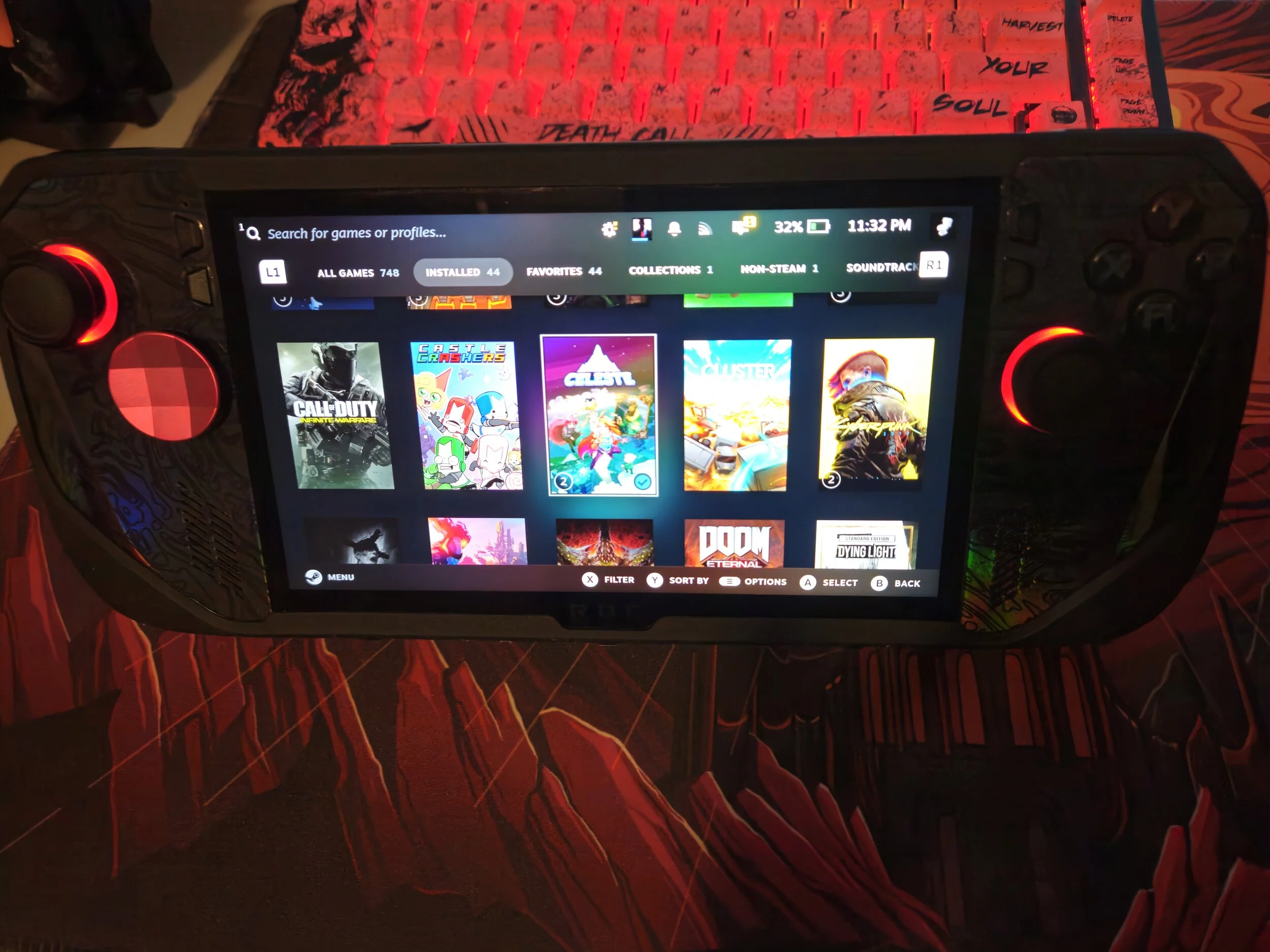
ROG Ally X Modifications
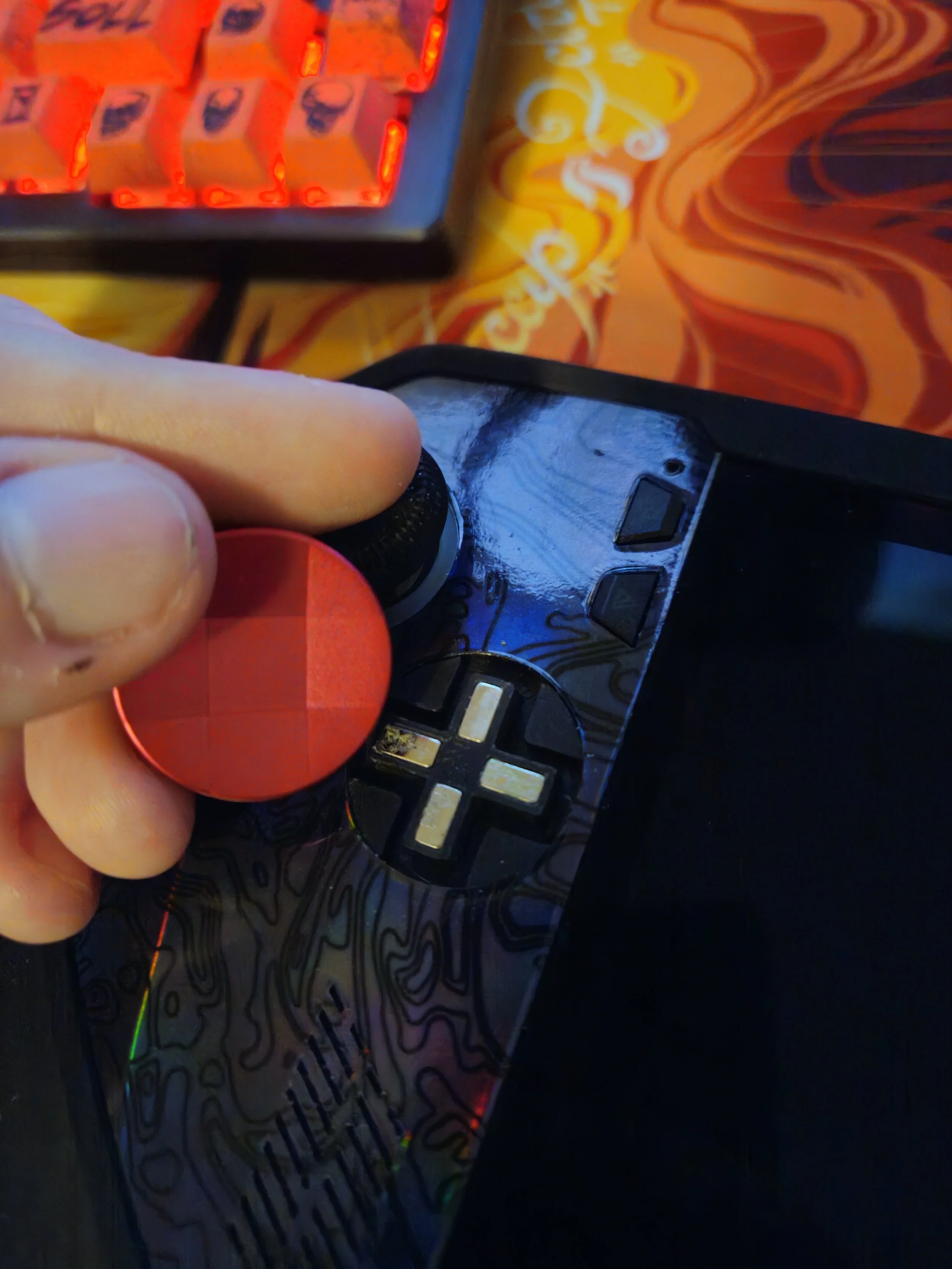
My personal favourite device. For the uninitiated, it is a handheld PC that is powerful enough to play some modern high-end video games, and has a built-in controller, similar to the Nintendo Switch. I modified the D-Pad to be my preferred D-Pad from the Xbox Elite V2 controller. This took a custom 3D-printed bracket to allow it to fit. I also replaced the stock SSD with a 4TB drive, alongside a heatsync on it to allow for much more and much faster storage. Speaking of which, I set up a dual-boot on this device; 2TB are allocated to Windows 11, and 2TB are allocated to a Linux distribution called Bazzite, which simplifies the user interface to be used well with a controller instead of a keyboard and mouse.
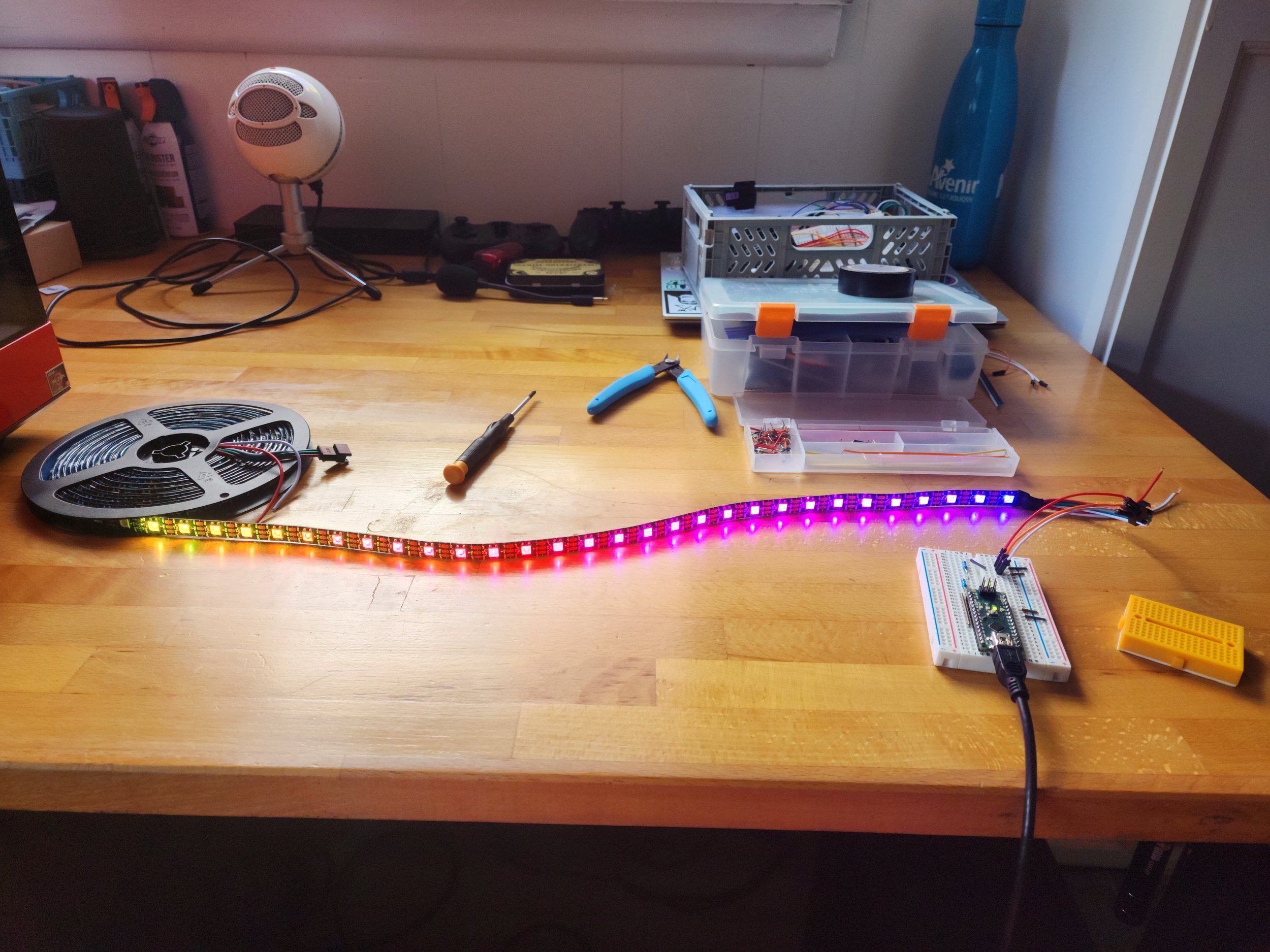
Here is my custom LED strip using an Arduino and Arduino code to control. Code is available on my GitHub!
Desktop Gaming and Workstation PC
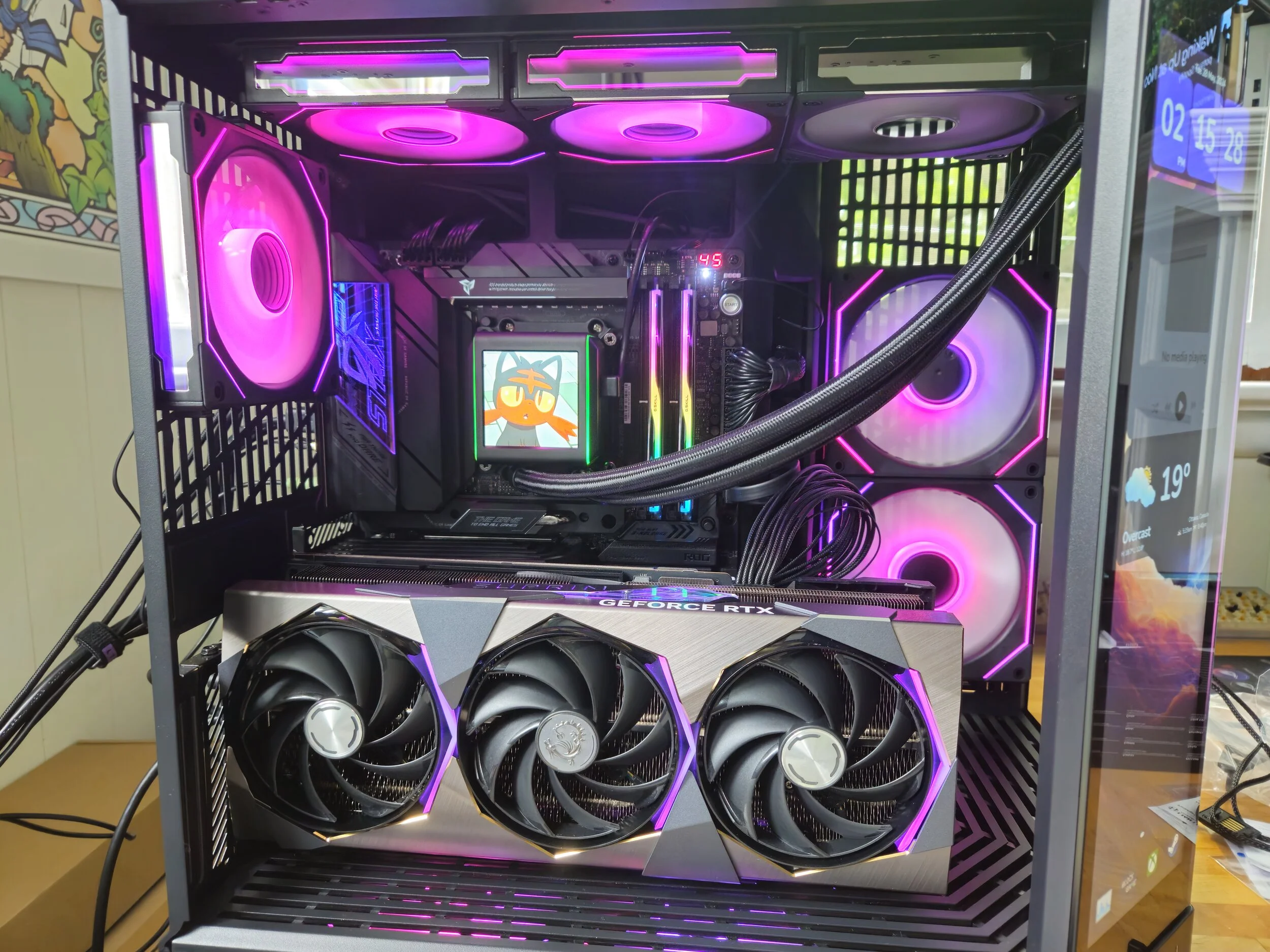
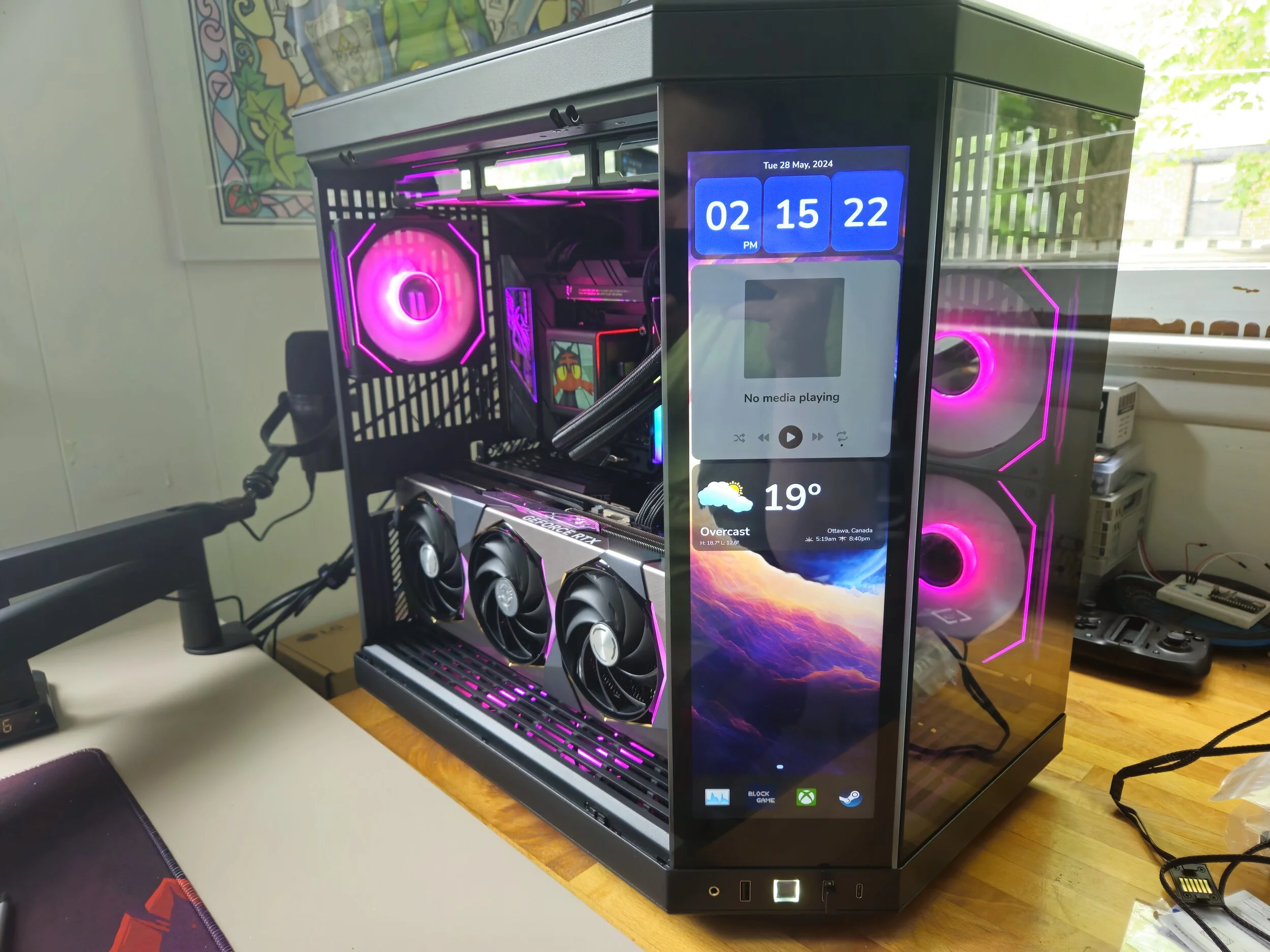
My main system that I use on a daily basis. Whether it’s a large CAD model for my 3D printer, video editing or gaming, my computer handles anything I throw at it. The specs are as follows:
CPU: AMD 7800x3D 8-core and 16-thread processor. allows for 3D V-Caching, great for video games and generally taking some load off of the GPU.
RAM: 64GB Dual-channel sticks manufactured by G.SKILL
Graphics Card: RTX 4080 Super by Nvidia and manufactured by MSI.
Case: Hyte Y70 Touch edition. The screen on the corner panel is a touch screen and runs custom software made by Hyte.
Storage: Total of 7TB. 1TB boot-drive with Windows 11, 2TB boot drive with Linux Mint, and a 4TB drive for media and games. They are all PCI-E Gen4 SSD’s that support up to 7000MB/s.
GameCube PicoBoot Mod
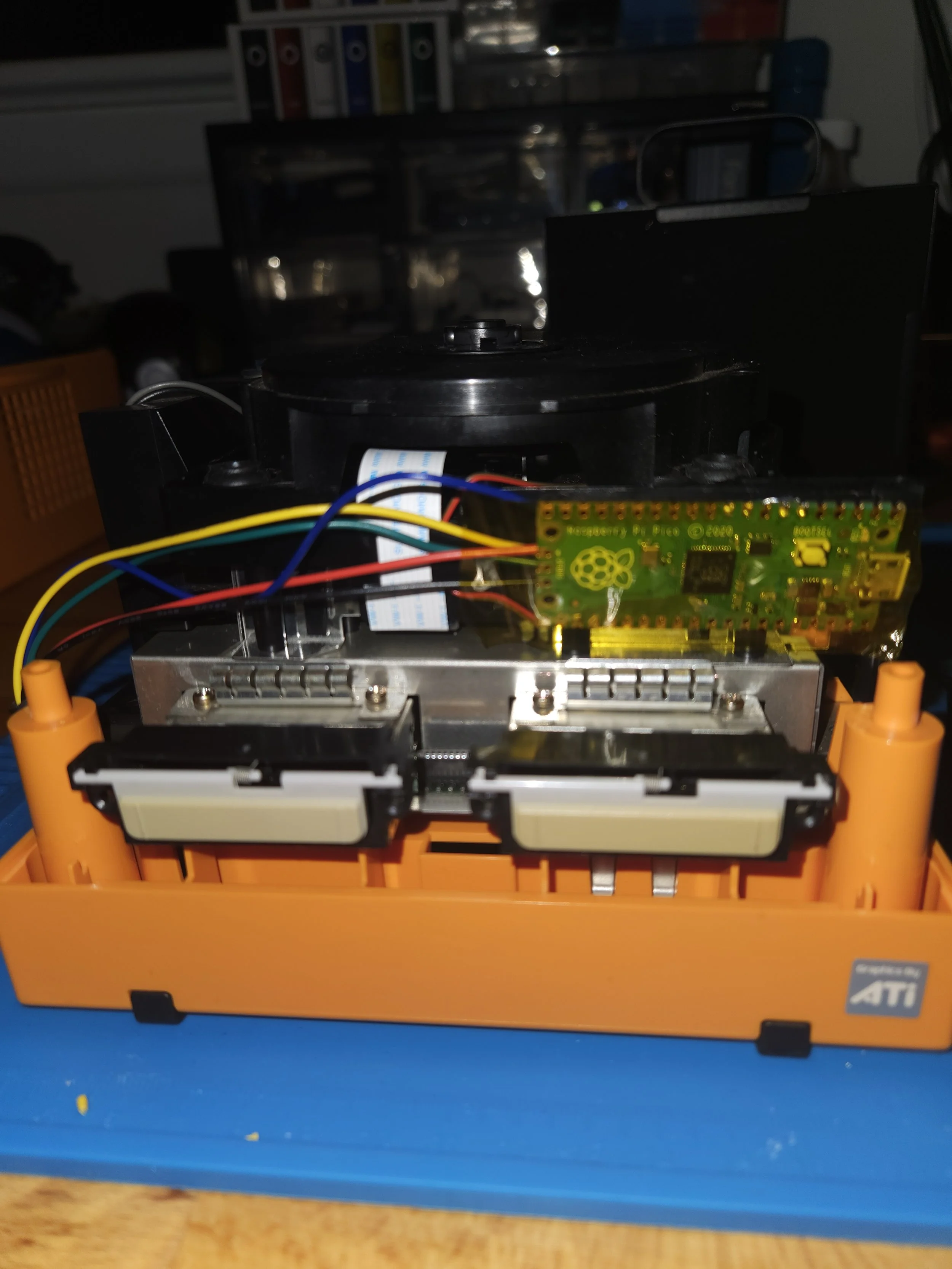
Hardware mod to a Nintendo GameCube using a Raspberry Pi Pico. Allows for custom firmware, enabling many more features like overclocking or game-modding. Compared to other methods of GameCube modding, this one allows for the disc reader to stay intact, as opposed to other methods that remove this feature in the process. It required soldering skills to solder the Raspberry Pi to the motherboard; this was the project that really elevated my soldering skills from below-average to skillful and knowledgeable.